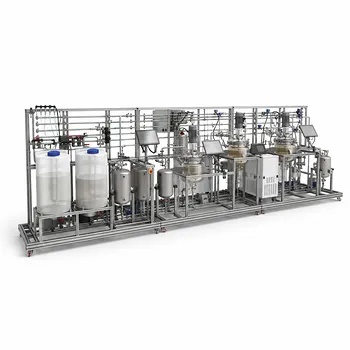
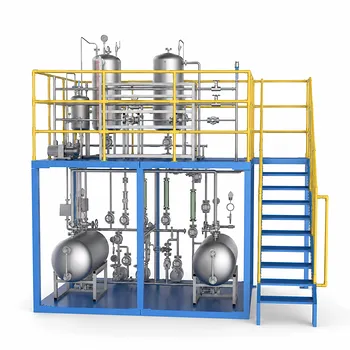
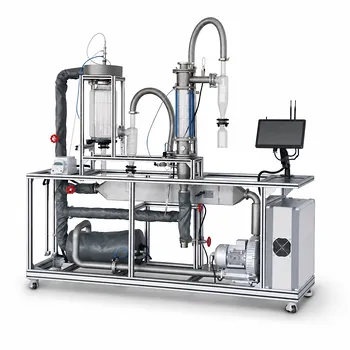
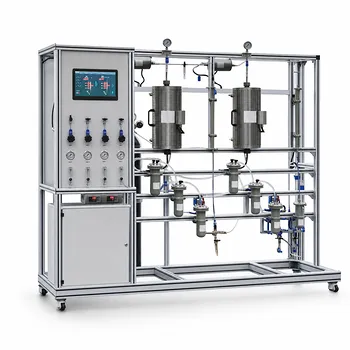
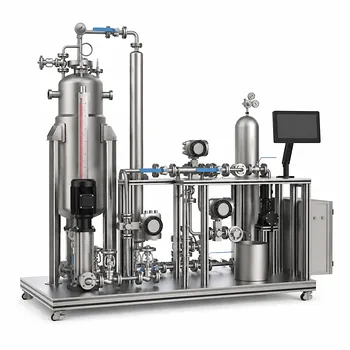
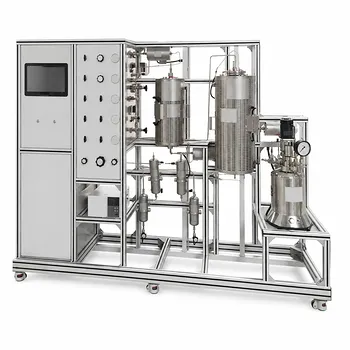
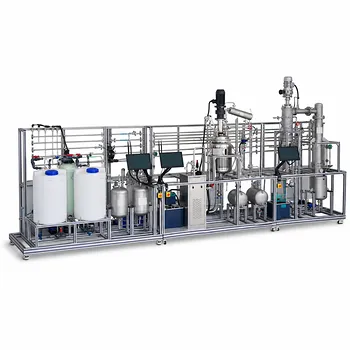
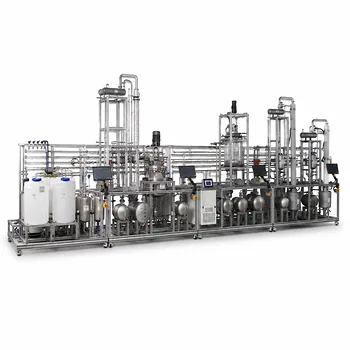
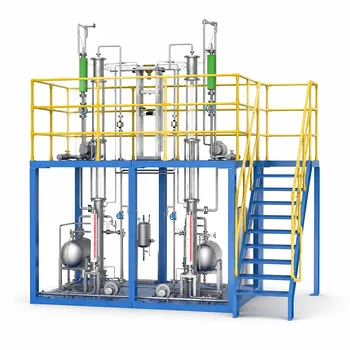
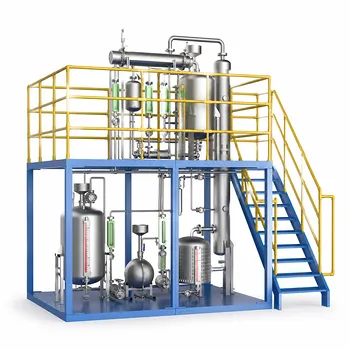
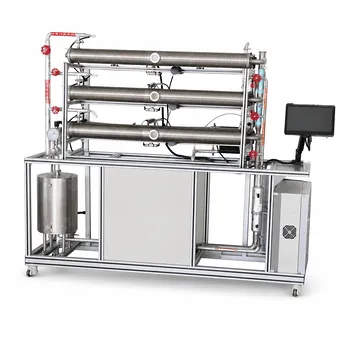
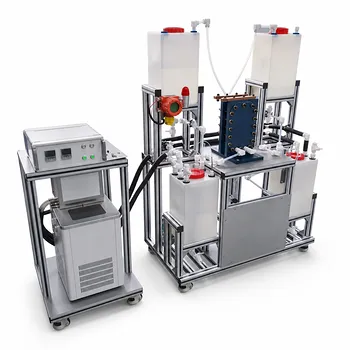
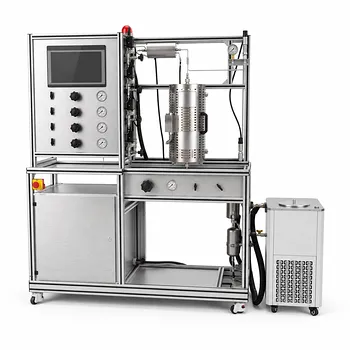
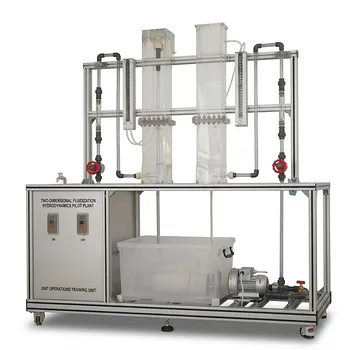
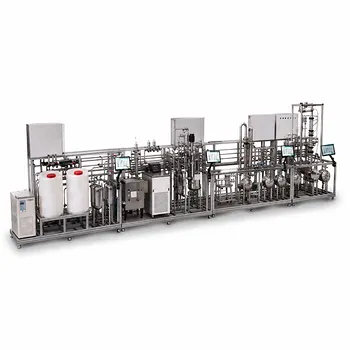
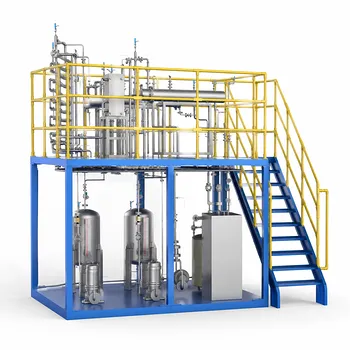
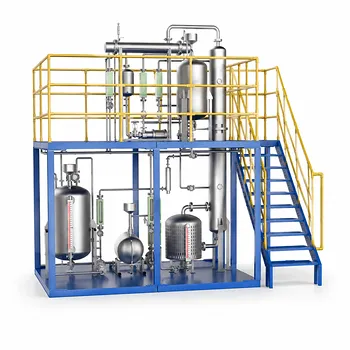
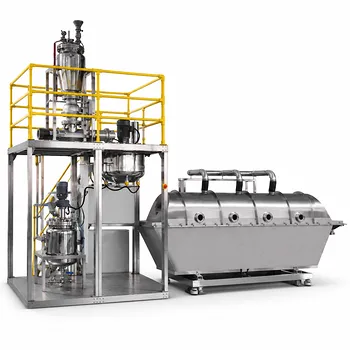
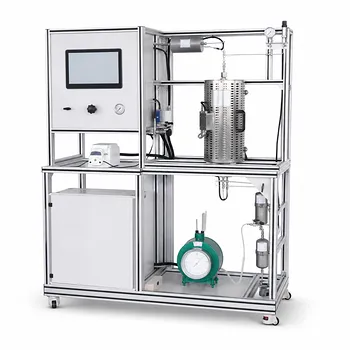
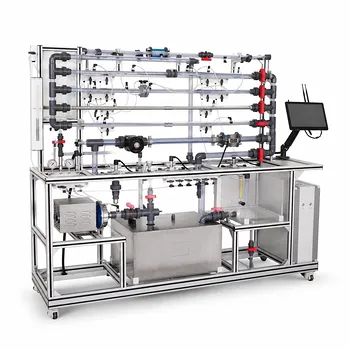
A 3D CAD model doesn’t just design a pilot plant—it orchestrates its entire lifecycle. By creating a precise digital prototype of the unit operations pilot plant, 3D computer-aided design transforms procurement from a manual guessing game into an automated, error-proof process, streamlines installation by catching physical clashes before they happen, and turns the system into a virtual training environment long before students step foot in the lab.
The core insight: A well-executed 3D CAD model acts as a single source of truth across the project. It automatically generates accurate procurement data, eliminates costly on-site rework through spatial validation, and provides a digital twin for immersive pre-lab education—bridging the gap between design intent and safe, efficient operation.
How 3D CAD Transforms Procurement from Day One
The most immediate administrative benefit of a detailed 3D model is its ability to completely de-risk the bill of materials (BOM) process.
Eliminating Manual Takeoffs and Counting Errors
Traditional procurement often relies on engineers manually counting components from 2D drawings. This is slow, tedious, and error-prone. A 3D CAD model automatically generates a complete, itemized list of every valve, instrument, pipe segment, and structural member with its exact specification.
This automated extraction ensures that the BOM is intrinsically synchronized with the design intent. You are no longer cross-referencing multiple spreadsheet versions against schematic diagrams; the model is the master.
Embedding Accurate Specifications for Faster Ordering
Because the model captures precise component data, purchase orders become far more reliable. The structured list can include pipe schedules, material grades, connection types, and even manufacturer part numbers.
For a university or industrial buyer, this means receiving a package that matches the design exactly, avoiding the administrative churn of returns and reorders. It also allows for early cost estimation and vendor quotation with a level of confidence that a physical mock-up simply cannot offer.
Streamlining Vendor Communication and Lifecycle Spares
The same digital BOM becomes a lasting asset after installation. When a gasket fails or a special valve needs replacement years later, the original model serves as an as-designed parts catalog. This drastically simplifies maintenance procurement, especially for educational facilities where technical staff may turn over frequently.
Installation Benefits: Preventing Collisions, Not Solving Them
On-site installation is where the greatest financial risks materialize. A 3D CAD model neutralizes the most common and expensive problem: spatial interference.
Proactive Collision Detection, Not Reactive Rework
In a compact pilot plant skid, piping, instrumentation, structural steel, and vessels compete for limited volume. 3D CAD’s collision detection algorithms instantly highlight where a pipe run passes through a support beam or a valve handle interferes with an adjacent vessel.
Without this capability, these conflicts are discovered only during physical assembly, leading to cutting, re-welding, and costly schedule delays. The model allows you to solve the clash in a virtual environment, where moving a line takes minutes, not days of field labor.
Validating Construction Envelopes and Access
Beyond component-to-component clashes, the digital environment lets you verify maintenance and operational clearances. You can simulate a technician’s access to a sample port or ensure there’s enough room to swing a wrench.
For pilot plants that are often delivered on a single structural frame, the model also validates the shipping envelope. You can confirm the entire skid fits on a truck before a single weld is made, avoiding the logistical nightmare of modifying a built unit.
Simplifying As-Built Documentation
During installation, small field adjustments are inevitable. A 3D model provides an updatable baseline. When a support is shifted slightly to accommodate an onsite condition, the model can be revised to reflect the as-built reality, leaving the facility with a permanently useful digital record instead of a static, outdated drawing set.
Educational Value: Learning Before Touching
The 3D CAD model’s role doesn’t end at mechanical completion. It becomes a profound pedagogical tool that enhances safety, comprehension, and collaboration.
The Digital Twin as a Pre-Lab Training Platform
Students often arrive at a pilot plant with little sense of the system’s scale, flow path, or control interface. A 3D digital twin enables virtual walkthroughs where learners can explore the equipment from any angle, trace piping, and identify instrument locations.
This pre-lab familiarization dramatically increases the cognitive bandwidth students have for actual process learning. Instead of spending the first hour just figuring out where components are, they can immediately engage with startup sequences, heat transfer phenomena, or reaction kinetics.
Enabling Remote and Collaborative Learning Environments
Unlike a physical plant that requires travel and scheduled access, a digital model can be viewed remotely by faculty, lab technicians, and students at any time. This allows for distributed pre-lab assignments, collaborative design reviews, and even virtual operator training sessions without tying up the physical asset.
For university programs where multiple stakeholders are spread across campus—or even across institutions—this shared digital context ensures that everyone discusses the same configuration, minimizing miscommunication.
Bridging Theory and Practice with Spatial Cognition
Process schematics and P&IDs represent the plant as abstract symbols. The 3D model translates that logic into physical reality. Students can see why a pump is located at floor level, or how a gravity-driven reboiler circuit must be physically elevated.
This spatial understanding of engineering principles builds a deeper intuition that purely symbolic learning cannot provide. It teaches the practical geometry of piping, support, and instrument placement—skills essential for industrial practice but often absent from lecture-based curricula.
Understanding the Trade-offs and Limitations
While 3D CAD is transformative, its effectiveness depends on disciplined execution and a clear-eyed view of its boundaries.
- Garbage In, Garbage Out: The model’s accuracy is only as good as the data and effort poured into it. A poorly constrained model with inaccurate component dimensions will generate an incorrect BOM and fail to detect real collisions. The model demands meticulous, detail-oriented work.
- The Cost of Keeping It Current: A model that isn’t updated to reflect field changes becomes a misleading artifact. Institutions must commit to maintaining the as-built digital twin, which requires time and expertise.
- It Cannot Replace Physical Experience: No amount of virtual walkthrough can replicate the tactile experience of opening a valve, feeling pump vibration, or hearing a cavitating fluid. The model is a powerful supplement, not a substitute for hands-on laboratory time. Over-reliance on the virtual world can shortchange the development of critical sensory and troubleshooting abilities.
Making the Right Choice for Your Goal
The way you leverage a 3D CAD model should map directly to your primary objective for the pilot plant.
- If your primary focus is procurement accuracy and lifecycle spares: Insist that the model is the sole source for the automated bill of materials. Require the digital BOM to include full part specifications for immediate ordering and long-term maintenance.
- If your primary focus is on-budget, delay-free installation: Mandate that the design team perform and present a formal clash detection report from the 3D model before any fabrication begins. Use the model to verify shipping and rigging paths.
- If your primary focus is maximizing educational impact: Integrate the digital twin into your curriculum with structured pre-lab assignments. Use virtual walkthroughs to free up valuable lab time for hands-on experimentation and experiential learning.
By treating the 3D CAD model not as a simple design output but as a continuous information backbone, you unlock a level of integration that makes pilot plant projects more predictable, less costly, and infinitely more teachable.
Summary Table:
| Phase | Key 3D CAD Benefit | Impact & Value |
|---|---|---|
| Procurement | Automated BOM extraction & spec matching | Eliminates manual counting errors, speeds up ordering, and simplifies maintenance spares. |
| Installation | Proactive collision detection & clearance validation | Avoids physical rework, reduces costly on-site delays, and checks shipping envelopes. |
| Education | Immersive digital twins & remote walkthroughs | Improves student safety, builds spatial engineering intuition, and enables remote pre-lab training. |
Bring Your Lab Vision to Life with LABPARK
Are you planning to upgrade your engineering or science laboratories?
LABPARK designs and delivers state-of-the-art Educational and Vocational Unit Operations Pilot Plants in chemical engineering, bioprocess & biotech, and environmental & water treatment for universities, research institutes, and enterprises. By leveraging advanced 3D CAD modeling, we ensure error-free procurement, seamless physical installation, and high-impact digital twin integration for modern student training.
Let us help you build a smarter, safer, and more efficient learning environment. Contact our engineering experts today to discuss your custom pilot plant requirements!
Related Products
- General Purpose Cosmetics Production Unit Operations Training Pilot Plant
- Multi Pump Fluid Transport Process Piping Unit Operations Training Pilot Plant
- Multi-Functional Drying Educational Unit Operations Pilot Plant
- Fixed-Bed Chemical Reaction and Gas Dust Tar Removal Unit Operations Pilot Plant
- 100L Continuous Loop Hydrogenation Educational Unit Operations Pilot Plant
People Also Ask
- How do steady-state and dynamic simulations complement pilot plants? Validate scale-up and controllability
- How can unit operations pilot plants demonstrate simultaneous removal of light and heavy impurities? Configure a modular setup
- Why Does a Pilot Plant Solver Return a Singular Matrix Error, and How Can You Resolve It?
- Why is the chemical plant startup schedule crucial? De-risk scale-up with pilot plants.
- How do deviations in estimating latent heat impact pilot plant thermal systems? Avoid hardware mis-sizing.