You must declare global variables in a dedicated code module because simulators for unit operations rely on communicating process data—pressures, temperatures, flow rates—between separate program forms, and only a shared, module-scoped variable ensures that the same value is visible to the input screen, the execution engine, and the convergence routines. Without this central declaration, data entered on one form cannot be read by the thermodynamic calculation logic on another, so the simulation never launches.
Global variables in a code module act as the single source of truth for all process states, bridging the boundaries between user interfaces, property packages, and iterative solvers. This architecture is the critical foundation that enables the hundreds or thousands of thermodynamic evaluations required to converge a flowsheet.
Why Simulation Software Splits Forms and Code
Chemical engineering unit‑operation simulators typically separate the graphical user interface (GUI) into distinct “forms”—for instance, a data‑input screen where you define equipment specs, and a run‑execution screen that triggers the solver. The actual calculation engine lives in a separate set of modules.
How Form Isolation Breaks Data Flow
When a variable is declared locally inside a form, it is invisible to the next form. The thermodynamic routines that compute vapor‑liquid equilibrium or reaction kinetics cannot access the pressures and compositions you just typed in, because the two parts of the program occupy different name scopes.
What a Code Module Brings to the Table
A dedicated code module provides a single, globally accessible memory location. Any form or sub‑routine that imports or references that module reads and writes the same array of temperatures, pressures, and flow rates. This is what turns a collection of disconnected screens into a working simulator.
The Computational Demands That Make Globals Indispensable
The need for global variables is not just about passing numbers once—it becomes acute when you realize how unit‑operation solvers do their work.
Thousands of Recursive Evaluations
Industrial flowsheeting for pilot‑plant columns, absorbers, or reactors must solve tightly coupled mass and energy balances. Thermodynamic models are called hundreds to thousands of times in a single run, often inside a Newton‑Raphson loop that recalculates phase equilibria until residuals vanish. Each call needs immediate, consistent access to the current iterate of temperature, pressure, and mole fractions.
Avoiding Redundant Data Copies
If instead of a global module you passed large state arrays as arguments through every subroutine, you would create massive copying overhead and a fragile chain of dependencies. A global block lets the solver read current values directly from memory—faster and less error‑prone—so that the iterative cycle stays robust.
Integrating Missing Experimental Data
Many unit‑operation models—especially for electrolyte systems with Pitzer or Guggenheim activity coefficients—depend on temperature‑sensitive parameters and scarce high‑temperature data. The simulation must repeatedly evaluate Henry’s constants and activity coefficients against the current global temperature. Changing that temperature in one place (the module) instantly updates every dependent calculation, a feat impossible if the data were scattered across local scopes.
Understanding the Trade‑offs
Global state carries well‑known risks, and simulators are no exception.
Why Uncontrolled Globals Can Hurt You
- Debugging becomes harder. When any routine can modify a global flowrate, tracking down an unexpected change requires tracing the entire execution path.
- Name collisions lurk. Large codebases risk re‑using a variable name accidentally, leading to subtle, simulation‑breaking bugs.
- Re‑entrancy is compromised. Running multiple independent simulations in parallel inside the same process might overwrite the same global block.
The Price of Robustness in Unit‑Operation Software
Simulation developers accept these downsides because the alternative—a pure message‑passing architecture—would introduce latency and synchronization complexity that conflicts with the millisecond‑scale iteration deadlines of thermodynamic solvers. To mitigate risks, the global module is usually the only place where state variables live, all other code treats it as read‑mostly during a convergence loop, and rigorous testing guards against accidental writes.
Making the Right Choice for Your Simulation Workflow
The strategy you adopt for global data defines how scalable and maintainable your simulation becomes. Choose according to your primary goal:
- If your primary focus is rapid, single‑user pilot‑plant modeling: Encapsulate all stream and equipment variables in one well‑documented code module. The immediate, error‑free data sharing across forms will get your flowsheet running faster than any alternative.
- If your primary focus is building a reusable simulation library for a team: Use the global module only for transient convergence‑loop state; push persistent project data into a central database or configuration object that the module loads at startup. This preserves shareability without breaking the solver’s need for speed.
- If your primary focus is debugging and long‑term code quality: Enforce a strict naming convention (e.g.,
g_) for every global variable and log every write operation during a run. This disciplined approach retains the performance benefit while making the simulation auditable.
Treat your global declarations as the simulation’s nervous system—kept lean, well‑protected, and the one place where reality is stored, executing the calculations that turn raw data into a converged unit operation.
Summary Table:
| Aspect | Challenge without Globals | Role of Global Variables | Best Practice/Mitigation |
|---|---|---|---|
| Data Flow | Isolated forms block thermodynamics | Single source of truth for process data | Encapsulate in one well-documented module |
| Performance | Argument copying slows solvers | Instant access during recursive loops | Use only for transient convergence state |
| Robustness | Scattered, out-of-sync parameters | Updates global state instantly | Enforce naming conventions (e.g., g_) |
Bring Your Chemical Engineering Simulations to Life
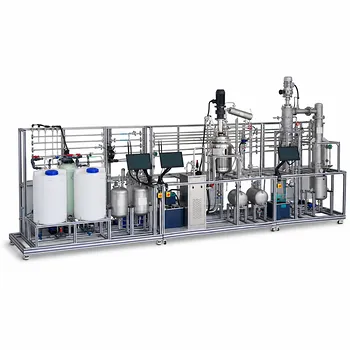
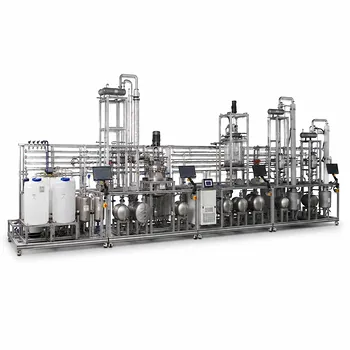
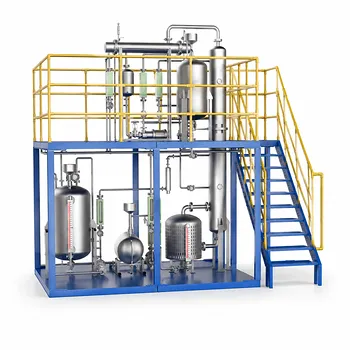
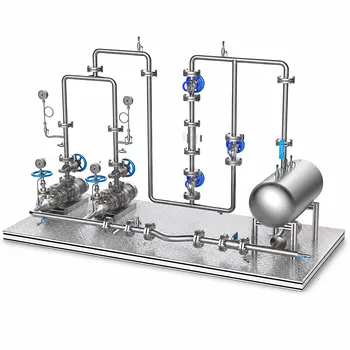
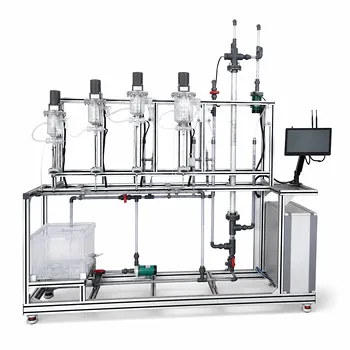
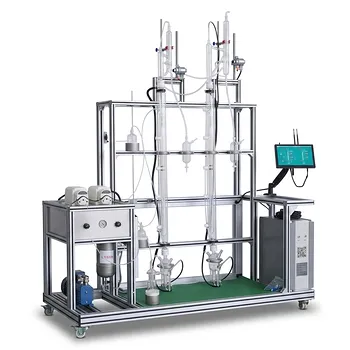
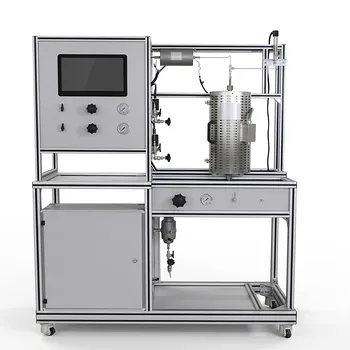
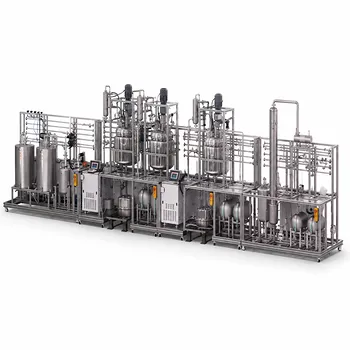
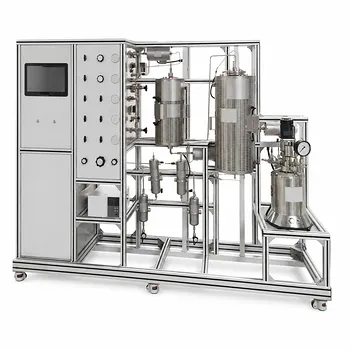
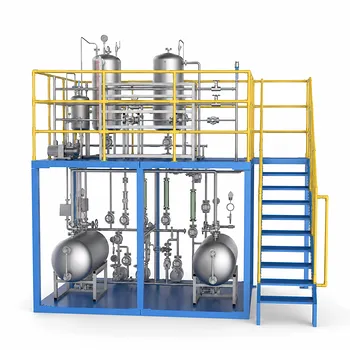
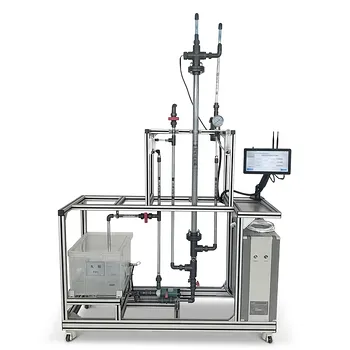
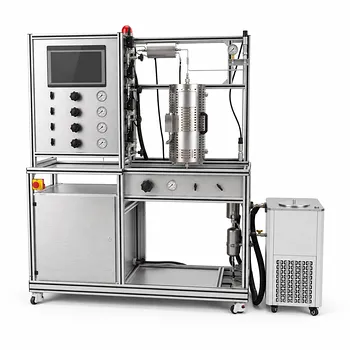
While software models guide your design, physical validation is key to real-world mastery. LABPARK provides state-of-the-art Educational and Vocational Unit Operations Pilot Plants in chemical engineering, bioprocess & biotech, and environmental & water treatment. Designed specifically for universities, research institutes, and enterprises, our pilot plants turn simulation theories into practical, hands-on experience.
Contact LABPARK today to discover how we can enhance your lab's training and research capabilities!
Related Products
- Natural Product Extraction Unit Operations Training Pilot Plant
- Ethyl Acetate Synthesis Unit Operations Pilot Plant for Practical Training
- Multi-Modal Distillation Unit Operations Training Pilot Plant
- Chemical Pipeline Assembly and Fluid Transport Practical Training Unit Operations Pilot Plant
- Residence Time Distribution and Reactor Flow Characteristics Determination Educational Pilot Plant
People Also Ask
- How to Demo Solubility Sensitivity in SFE Pilot Plants? Practical Thermodynamics
- How do pilot plants differentiate physical vs chemical extraction? Enhance Chemical Engineering Training
- Why do emulsions form during extraction scale-up? Resolve pilot plant phase separation issues.
- What key factors contribute to emulsion formation during liquid-liquid extraction? Scale-up mitigation strategies.
- How are HTU and NTU applied to determine extraction column height? Guide to Pilot Plant Scaling